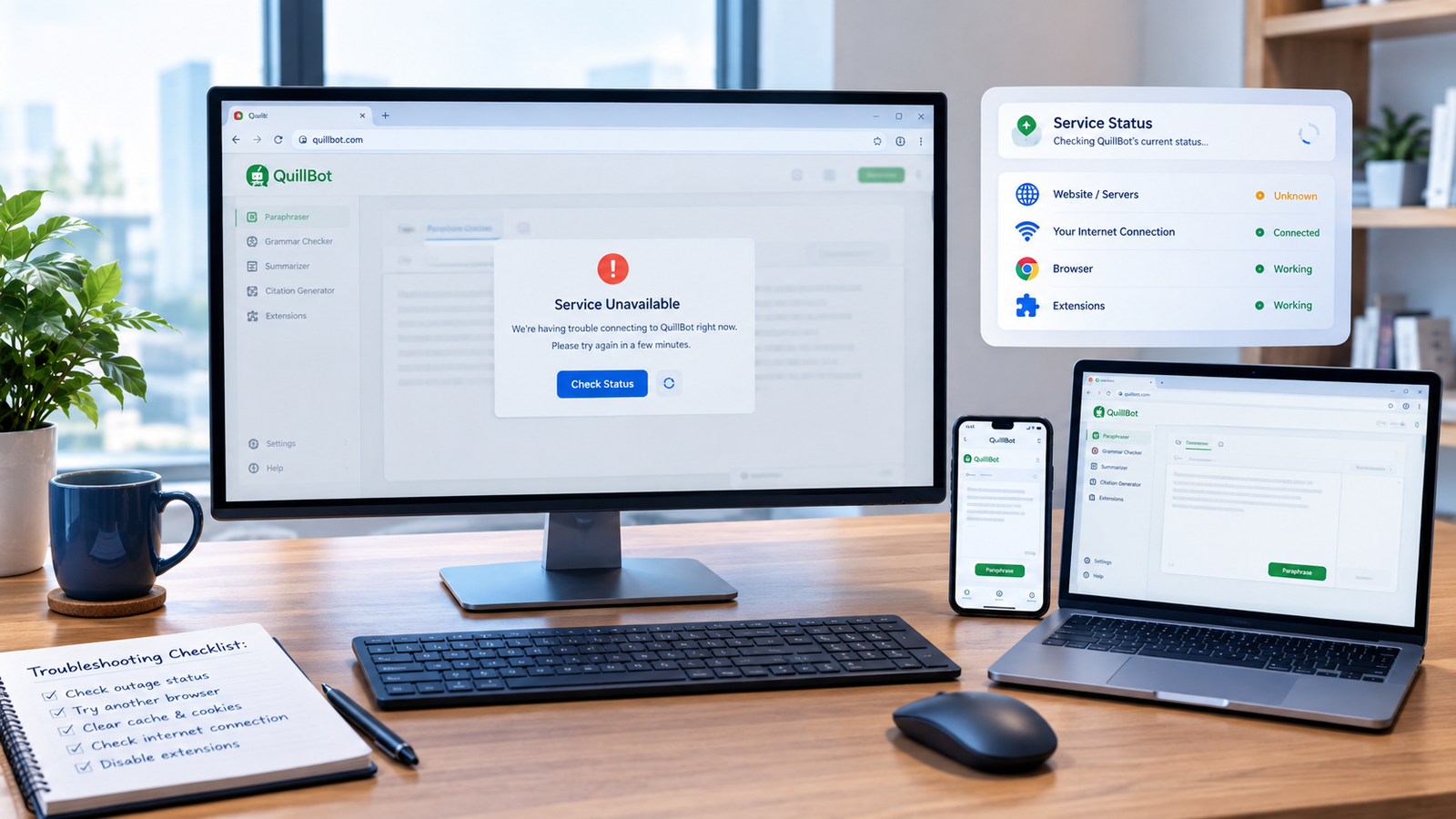
If QuillBot is not working right now, the first question is simple: is QuillBot down for everyone, or is the problem only affecting you?
The quickest way to find out is to test QuillBot from another browser or device, check whether the main website loads, and compare reports from more than one status monitor. If the website works elsewhere, the problem is more likely related to your browser, extension, login session, network, or device.
QuillBot’s own help center also documents problems involving login sessions, browser extensions, unsupported websites, and temporary bugs.
Is QuillBot Down Right Now?
There is an important distinction between QuillBot being completely down and one QuillBot feature not working properly.
A full outage usually means the website cannot be reached or major parts of the service are unavailable for many users. A local problem might affect only your browser, account, internet connection, or extension.
At the time of the latest checks available for this article, automated monitoring services were not showing a consistent picture. UptimeRobot reported QuillBot as operational, while another monitoring service recorded brief periods of degraded performance.
That is why checking more than one signal is useful.
Quick signs that QuillBot may be down
You may be dealing with a wider outage if:
- QuillBot does not load on multiple devices.
- The website fails on different internet connections.
- Several users are reporting problems at the same time.
- Login and core writing tools stop working together.
- Multiple independent monitoring services show an incident.
- The problem continues after basic browser troubleshooting.
If only one feature is broken, however, it may not be a platform-wide outage.
How to Check if QuillBot Is Down for Everyone or Just You
Before changing browser settings or reinstalling anything, spend a few minutes diagnosing the problem.
1. Open the main QuillBot website
Try opening QuillBot in your normal browser.
If the homepage loads normally, the entire service is probably not offline.
If it refuses to load, continue testing rather than immediately assuming there is a global outage.
2. Try a private or incognito window
Open an incognito/private browsing window and visit QuillBot again.
This is a quick way to determine whether cached files, cookies, or an extension is interfering with the site.
If QuillBot works in private browsing but not in your normal window, the problem is probably local to your browser session.
3. Test another browser
For example, if QuillBot fails in Chrome, try Edge, Firefox, or another supported browser.
A useful result looks like this:
- Works in another browser: likely browser-specific.
- Fails everywhere: possible service, network, or account issue.
- Website works but extension fails: likely extension-related.
4. Check another device
Try your phone if you’re having problems on your computer, or your computer if the mobile app is failing.
QuillBot provides both web and mobile access, so testing another platform can help isolate the problem.
5. Compare independent status reports
Status-monitoring websites can help identify larger incidents, but don’t treat one automated result as absolute proof.
Different services may test different locations, networks, or URLs. A website can be reachable from one region while users elsewhere experience slow loading or errors.
Why Is QuillBot Not Working?
If QuillBot isn’t completely down, one of several smaller problems could be responsible.
Your browser cache may be causing problems
A browser can sometimes load an outdated or damaged version of a website.
Try:
- Refreshing the page.
- Opening QuillBot in a private window.
- Clearing cached site data if the problem continues.
- Restarting the browser.
If the site works after this, you have probably found a local browser issue rather than a QuillBot outage.
Your login session may have expired
If the website loads but Premium features are missing, don’t immediately assume your subscription disappeared.
QuillBot says Premium access problems can happen when you are logged into a different account or when your session has expired. Its recommended fix is to log out and sign back in with the same account used for the subscription.
The Chrome extension may be the problem
Sometimes QuillBot itself is working while the browser extension isn’t.
QuillBot recommends refreshing the page if the extension is not responding. If that does not solve the issue, the company says the problem may be a temporary bug or a website that is not currently supported.
The extension also does not necessarily work on every website. QuillBot explains that some sites are not yet supported, in which case the extension can appear as OFF on that page.
QuillBot Chrome Extension Not Working? Try These Fixes
If the main QuillBot website works but the extension doesn’t, work through these steps:
- Refresh the webpage.
- Check that the extension is installed and enabled.
- Pin the QuillBot extension so you can access its settings.
- Check whether QuillBot is switched off for the current website.
- Try another supported webpage.
- Sign in again if you need Premium features.
- Temporarily disable conflicting browser extensions.
- Restart Chrome.
- Reinstall the extension if necessary.
QuillBot’s current extension settings allow users to enable or disable QuillBot and features such as the AI Text Cursor and Synonyms.
QuillBot Login Not Working?
A login problem doesn’t necessarily mean QuillBot is down.
First, check whether the website itself opens. If it does, focus on the account rather than the service’s overall availability.
QuillBot supports email login as well as connected methods such as Google, Facebook, and Apple.
Try:
- Signing out and signing in again.
- Using the correct email address.
- Using the same login method connected to your account.
- Opening the login page in a private window.
- Checking whether your Premium subscription is attached to the account you’re using.
If you subscribed through an app store and Premium isn’t showing, QuillBot says you may need to restore the purchase while logged into the correct account.
What If QuillBot Is Working for Others but Not Me?
This is one of the most common situations behind an “Is QuillBot down?” search.
If status monitors show the website is operational and QuillBot works for other users, investigate your local setup.
Possible causes include:
- Browser cache or cookies.
- DNS problems.
- VPN or proxy interference.
- Firewall or security software.
- Browser extensions.
- Expired login sessions.
- Unsupported websites.
- Temporary connection problems.
- Problems specific to your device.
A simple test is to switch from Wi-Fi to mobile data and open QuillBot again.
If it suddenly works, your original network may be the source of the problem.
What Should You Do During a QuillBot Outage?
If several independent checks suggest a genuine outage, there may be nothing you can fix locally.
Instead:
- Confirm the outage using multiple sources.
- Avoid repeatedly changing your browser settings.
- Save any important text you were working on.
- Wait for the service to recover.
- Check QuillBot’s support resources for updates.
- Use another writing tool temporarily if you have a deadline.
QuillBot’s Help Center includes troubleshooting resources and a support contact option for unresolved issues.
Frequently Asked Questions
Is QuillBot down right now?
QuillBot’s availability can change quickly, and third-party monitoring services may show different results. The safest approach is to test the website yourself and compare multiple independent status signals rather than relying on one checker.
How do I know if QuillBot is down for everyone?
Try QuillBot from another browser, device, and internet connection. If the same problem appears everywhere and independent outage monitors show an incident, a wider service problem is more likely.
Why is QuillBot not loading but other websites work?
The problem could be a temporary QuillBot issue, browser cache, DNS, VPN, extension conflict, or another local connection problem. Testing QuillBot in a private window and on another network can quickly narrow it down.
Why is QuillBot not working in Chrome?
The Chrome extension may be disabled, the page may not be supported, the browser session may have a problem, or the extension may have encountered a temporary bug. QuillBot specifically recommends refreshing the page when its extension stops working.
Why can I access QuillBot but not my Premium features?
Check that you’re signed into the same account used to purchase Premium. QuillBot says an incorrect account or expired session can prevent Premium access from appearing correctly.
Final Takeaway
When you search “Is QuillBot down right now?”, don’t assume every error means QuillBot is experiencing a global outage.
Start with the simplest test: open QuillBot on another browser or device. If it works there, investigate your browser, extension, account, or network. If it fails everywhere and independent monitoring services show problems, you’re more likely dealing with a genuine outage.
