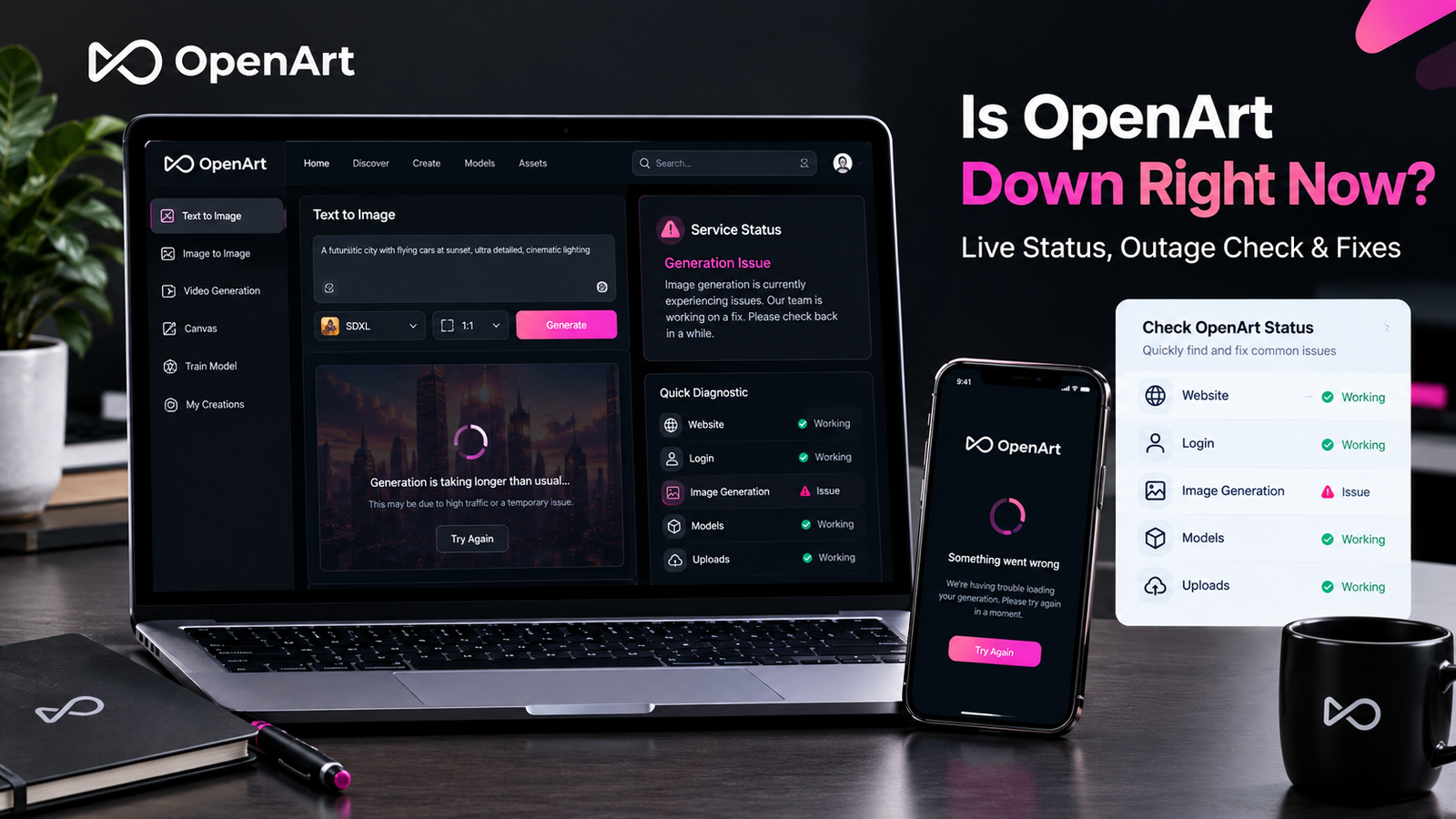
If OpenArt is not working right now, the problem isn’t necessarily a complete outage. OpenArt can be reachable while image generation, uploads, models, login, or another feature is experiencing a temporary problem. OpenArt itself says system performance may slow during heavy traffic, while failed generations are generally refunded automatically.
So, is OpenArt down right now? At the time of checking, independent status monitors were reporting OpenArt as operational, with the website responding normally and no significant recent user-report spike. However, those checks mainly confirm website availability; they cannot guarantee that every OpenArt generation model or feature is working perfectly for every user.
If you’re seeing an error, a stuck generation, a blank page, or an upload failure, use the troubleshooting steps below to figure out whether OpenArt is actually down or the problem is local to your browser, account, network, or selected feature.
How to Check If OpenArt Is Down
Before changing a dozen browser settings, first determine what exactly is failing.
1. Open the OpenArt Website
Start by opening OpenArt in your normal browser.
If the homepage doesn’t load at all, there could be a service outage, network problem, DNS issue, or browser problem.
If the homepage loads normally, don’t assume everything is working. Continue with a real feature test.
2. Try an Image Generation
The best test is often a simple generation.
Use a basic prompt and a commonly available model rather than your most complicated workflow.
Pay attention to what happens:
- Website won’t open: possible access or outage problem
- Website opens but generation fails: possible generation issue
- One model fails: possible model-specific problem
- Generation stays pending: possible processing or traffic issue
- Upload fails: possible browser, file, or platform problem
- Only login fails: likely account or authentication issue
This distinction is important because an uptime monitor can report OpenArt as “up” while you are still unable to generate an image.
Is OpenArt Down for Everyone or Just Me?
This is probably the most useful question to answer before troubleshooting.
Try these quick checks:
- Open OpenArt in another browser.
- Use a private/incognito window.
- Refresh the page completely.
- Try another internet connection if possible.
- Test a simple image generation.
- Ask whether other OpenArt users are reporting problems.
- Check independent status-monitoring pages.
If OpenArt fails everywhere, including another browser and network, a wider service problem becomes more likely.
If it works on another device or connection, your local setup is the stronger suspect.
Independent status services also warn that automated monitoring doesn’t necessarily capture every user-facing problem. SaaSHub, for example, combines automated checks with community reports and notes that automated uptime monitoring cannot provide a complete picture.
Why Is OpenArt Not Working Right Now?
There are several possibilities.
OpenArt May Be Experiencing Heavy Traffic
OpenArt’s own Help Center says system performance may be slower during periods of heavy traffic and advises users experiencing extended wait times to contact support.
That means slow generation isn’t automatically proof that OpenArt is completely down.
You may still be able to browse the platform while generations take longer than normal.
A Specific Feature May Be Having Problems
OpenArt isn’t just one function.
The platform supports image generation, video generation, uploads, models, characters, and other creative tools. Its Help Center has separate troubleshooting categories for image generation, video generation, uploads, account issues, and other technical problems.
As a result, one feature can fail while the rest of the platform continues working.
Your Browser May Be the Problem
A corrupted session, cached data, extension, or browser-specific issue can make OpenArt appear broken.
If OpenArt works in an incognito window or another browser, that’s a strong clue that the problem isn’t a platform-wide outage.
OpenArt Image Generation Not Working
This is one of the most important situations to distinguish from a complete outage.
If you can open OpenArt but your image won’t generate, work through these steps.
Try a Different Model
If you’ve selected a particular model and the generation fails, switch to another available model.
This is a simple diagnostic test.
If the second model works, the issue may be related to the original model or generation configuration rather than OpenArt as a whole.
Simplify Your Prompt
Remove complicated instructions temporarily.
Try something simple such as:
“A realistic mountain landscape at sunset.”
If that works, gradually reintroduce your original settings.
This can help identify whether the problem comes from the prompt, model, workflow, or platform.
Check Your Generation Status
Don’t immediately submit the same task repeatedly.
Check whether the generation is:
- Processing
- Waiting
- Failed
- Completed
- Missing from your results
If OpenArt is experiencing heavy traffic, repeatedly starting new generations may not solve the underlying delay.
What Happens If an OpenArt Generation Fails?
One useful detail comes directly from OpenArt.
Its Help Center says that in most cases where a generation fails, credits are refunded automatically. If the refund isn’t immediately visible, OpenArt recommends refreshing or checking again later.
So if a failed generation appears to have consumed credits, don’t immediately assume they’re permanently gone.
Give the system some time to update.
OpenArt Generation Is Stuck or Taking Too Long
A slow generation isn’t necessarily the same as an outage.
OpenArt specifically acknowledges that system performance can become slower during heavy traffic.
If your generation is taking unusually long:
First, wait briefly
Some AI generation tasks naturally take longer than others, especially when using demanding models or video-related tools.
Then test another task
Run a simple image generation.
If the simple task completes while your original task remains stuck, the problem may be related to that particular generation.
Check whether the whole site is slow
Open several areas of OpenArt.
If pages, models, uploads, and generations are all unusually slow, a broader performance problem becomes more likely.
OpenArt Login Not Working
Sometimes users search “Is OpenArt down?” when the real problem is that they cannot sign in.
OpenArt currently supports sign-up and login through Google, Discord, or email/password.
If login isn’t working, try:
- Refreshing the login page
- Opening a private browser window
- Trying another browser
- Clearing OpenArt cookies/site data
- Checking that you’re using the correct account
- Temporarily disabling browser extensions
- Testing another network
OpenArt also notes that account problems can sometimes occur because users are signed into a different account from the one associated with their subscription.
If the website itself loads normally but authentication fails, don’t automatically label it a full OpenArt outage.
OpenArt Images or Attachments Won’t Upload
Upload failures are another problem that can look like a platform outage.
OpenArt’s Help Center specifically recommends refreshing the page or switching to a different browser when images or attachments fail to upload. If the problem continues, OpenArt directs users to its support email.
Try this order:
- Refresh OpenArt.
- Upload the file again.
- Try another browser.
- Check whether another file uploads successfully.
- Try another network.
- Contact OpenArt support if the problem continues.
If only one file refuses to upload while everything else works, the file itself may be the problem.
OpenArt Is Loading but Models Aren’t Working
This is another example of a partial problem.
If the homepage, gallery, and account are working but a particular model fails, test another model before assuming OpenArt is down.
You can also:
- Refresh the page
- Try another browser
- Start a basic generation
- Remove advanced settings
- Check whether the issue affects multiple models
If several unrelated models fail simultaneously, a platform-level generation problem becomes more plausible.
OpenArt Status: What the Current Checks Show
At the time of this article’s latest status check, several independent monitors were showing OpenArt as operational.
SaaSHub reported the service as up with no user-reported problems during its latest 24-hour window. DownForAI likewise reported OpenArt as operational, with its monitored website responding normally, while StackSheriff reported a normal response and no recent user reports.
However, this shouldn’t be interpreted as a guarantee that every OpenArt feature is working for every user.
That’s an important distinction for anyone searching “is OpenArt down today?”
A website-level status check can tell you that the main domain responds. It cannot necessarily tell you whether a specific AI model, generation backend, upload function, or account feature is working correctly.
What to Do If OpenArt Is Actually Down
If your tests indicate a genuine OpenArt outage, there’s not much benefit in repeatedly clearing your cache.
Instead:
Check official information
OpenArt’s Help Center is the best starting point for technical guidance and support.
Save your work
If you can still access your account, make sure important prompts, images, and project information are saved where possible.
Don’t repeatedly submit failed generations
If the service is experiencing a backend problem, submitting the same task again and again may only create additional confusion.
Wait for service restoration
Once the problem is confirmed to be server-side, the practical solution is usually to wait for the service team to restore normal operation.
Quick OpenArt Troubleshooting Checklist
Before concluding that OpenArt is down, run through this list:
Website
- Can OpenArt’s homepage load?
- Does another browser work?
- Does an incognito window work?
Account
- Can you sign in?
- Are you using the correct account?
- Does another OpenArt feature work?
Generation
- Does a simple prompt work?
- Does another model work?
- Is your generation stuck or actually failed?
Uploads
- Can another file upload?
- Does refreshing help?
- Does another browser fix it?
Network
- Does another connection work?
- Is a VPN or proxy involved?
- Are other websites working normally?
Status
- Are other users reporting problems?
- Do independent monitors show an outage?
- Does OpenArt’s own support information mention an issue?
Final Answer: Is OpenArt Down Right Now?
OpenArt is not necessarily down just because your generation, upload, login, or model isn’t working. At the latest status check, independent monitors were reporting the main OpenArt website as operational, but OpenArt itself acknowledges that heavy traffic can slow performance and that individual generations can fail.
The best way to diagnose the problem is to test the website, account, generation, model, and upload functions separately.
