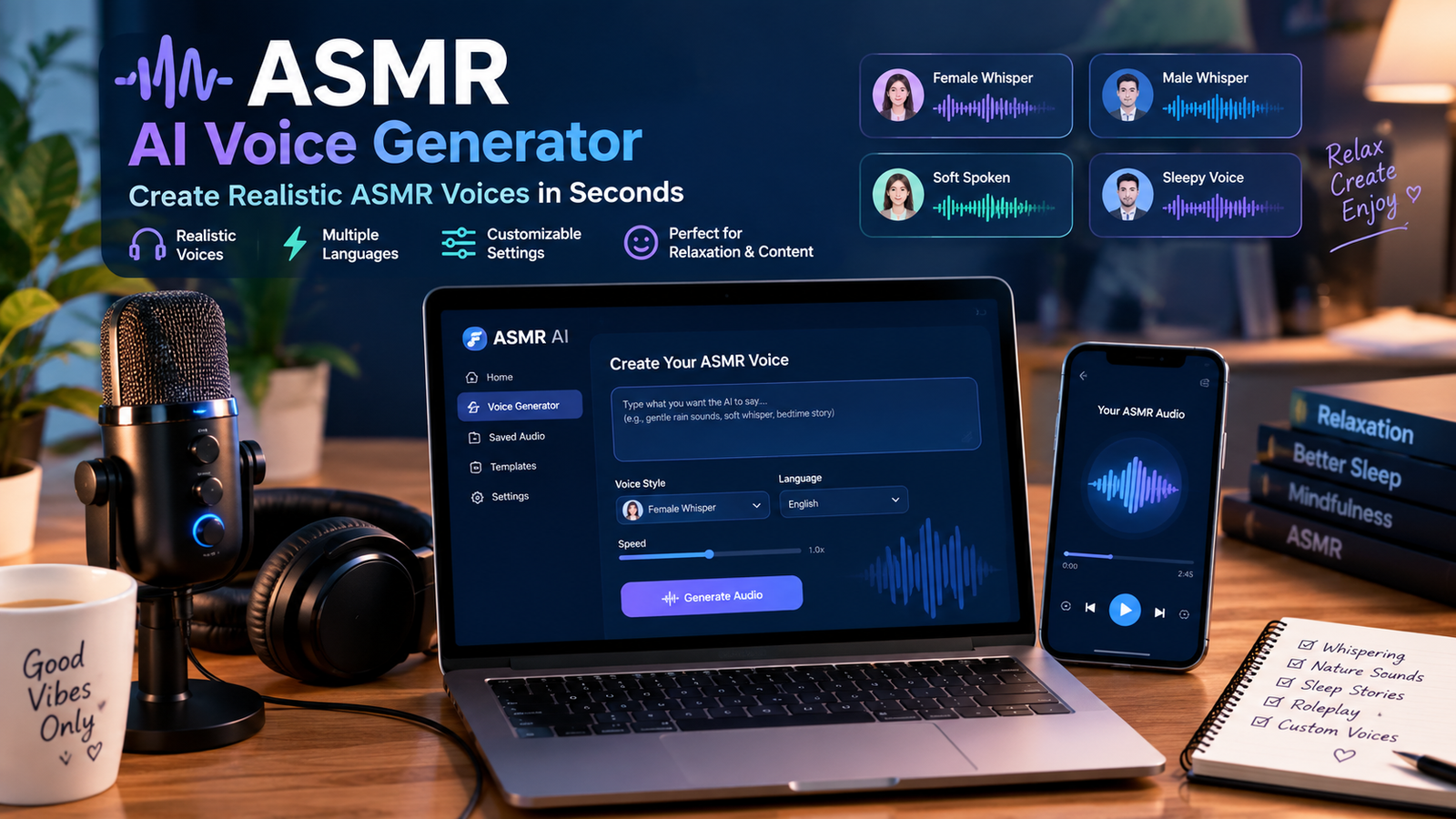
If your AI ASMR voice sounds robotic, the problem usually isn’t the AI voice itself. The biggest improvements often come from how you write the script and control pacing, pauses, pitch, pronunciation, volume, and emotional delivery.
To make realistic ASMR voices with AI, start with a voice that already has a soft and natural character. Then use short sentences, deliberate pauses, subtle variations in pitch and speed, and carefully chosen words. Generate small sections instead of an entire 20-minute script at once, and listen for unnatural breaths, emphasis, pronunciation, and repetitive patterns.
The goal isn’t to make the AI sound dramatic.
For ASMR, less is usually more.
Why AI ASMR Voices Often Sound Robotic
A normal voiceover can get away with a little artificiality.
ASMR can’t.
When someone is listening closely to a whisper, soft narration, sleep story, or personal-attention roleplay, tiny problems become much easier to notice.
Common issues include:
- Words being spoken too quickly
- Identical pauses between sentences
- Strange emphasis on ordinary words
- Excessive pitch changes
- Flat emotional delivery
- Mispronounced names and unusual words
- Abrupt sentence endings
- Mechanical breathing
- Excessive volume
- Repetitive speech patterns
A voice can be technically clear and still feel completely wrong for ASMR.
That’s why simply choosing the “most realistic” AI voice isn’t enough.
You need to create the right delivery.
1. Choose the Right AI Voice First
Your script and settings can improve a voice dramatically, but they can’t completely transform an unsuitable voice.
For ASMR, look for characteristics such as:
- Warm vocal tone
- Gentle delivery
- Low or moderate energy
- Natural conversational rhythm
- Clear pronunciation
- Subtle emotional expression
- Smooth transitions between words
- Ability to handle quiet speech naturally
Avoid voices that sound like they’re designed for:
- News broadcasts
- Commercial advertisements
- Corporate presentations
- High-energy social videos
- Audiobook narration with theatrical delivery
Those voices may sound excellent in their intended environment but feel unnatural when asked to whisper or speak softly.
Test before committing
Don’t generate your entire script immediately.
Write a 20–30 second sample containing:
- A normal sentence
- A question
- A long pause
- A few soft words
- A difficult pronunciation
- A sentence with commas and ellipses
Generate that sample first.
If the voice doesn’t feel relaxing after several listens, choose another voice before spending time fine-tuning it.
2. Write Your Script for Speech, Not Reading
This is one of the biggest differences between ordinary writing and AI voice generation.
A paragraph can look perfectly natural on screen and sound terrible when spoken.
Consider this:
“Welcome back to tonight’s relaxation session. Today we are going to focus on slowing down, releasing tension, and preparing your mind for a peaceful night’s sleep.”
It’s grammatically fine.
But an AI voice may rush through the entire sentence.
Instead, break the delivery into smaller thoughts:
“Welcome back…
Take a slow breath.
And let yourself relax.
Tonight… we’re going to slow everything down.”
Shorter phrases give the voice room to breathe.
They also make it easier to control the emotional rhythm.
3. Use Punctuation to Control Pacing
Punctuation isn’t only for grammar when you’re working with AI voice generation.
It can influence how the speech is delivered, depending on the voice platform.
Try experimenting with:
- Commas for short pauses
- Periods for complete stops
- Ellipses for longer pauses
- Line breaks for separated thoughts
- Question marks for subtle pitch movement
Don’t overdo it.
A script filled with “…” can sound just as artificial as one with no pauses.
Instead, use punctuation where a human speaker would naturally slow down.
Think like a performer
Before generating a paragraph, read it aloud yourself.
If you wouldn’t naturally say the sentence that way, rewrite it.
That’s a surprisingly effective test.
4. Slow the Voice Down But Don’t Drag It
ASMR generally benefits from slower speech, but simply lowering the speaking speed isn’t always enough.
If you slow an ordinary voice too much, it can sound stretched or unnatural.
Start with a modest reduction and listen carefully.
You want:
Calm → not sleepy
Slow → not dragged out
Soft → not unintelligible
Relaxed → not emotionless
The right speed depends on the content.
A gentle sleep story might work well with a slower pace, while a personal-attention roleplay may sound more natural with slightly faster conversational delivery.
5. Keep Pitch Changes Subtle
A common mistake is trying to make an AI voice sound emotional by dramatically changing its pitch.
That usually makes things worse.
ASMR relies heavily on subtlety.
Instead of large pitch swings, aim for small variations:
- Slightly lower pitch at the end of calming statements
- Gentle upward movement for questions
- Small changes when introducing a new thought
- Consistent pitch during repetitive relaxation sections
If your AI voice supports pitch controls, make small changes and compare the results.
You don’t want listeners thinking about the voice.
You want them focusing on the experience.
6. Use Breathing Carefully
Breathing can make an AI ASMR voice feel more human—but artificial breathing can also become incredibly distracting.
If your voice generator produces convincing breaths naturally, subtle breathing may work well.
If it produces repetitive or exaggerated breaths, remove them.
You can also add breathing separately during editing rather than forcing the voice generator to create it.
Keep background breathing:
- Quiet
- Infrequent
- Consistent with the narration
- Free from obvious repetition
The listener should barely notice it.
7. Fix Pronunciation Before It Ruins the Experience
Nothing breaks immersion faster than an AI voice mispronouncing an important word.
This is especially common with:
- Names
- Foreign words
- Medical terminology
- Brand names
- Place names
- Abbreviations
- Unusual spellings
Listen to your generated audio before publishing.
If a word is pronounced incorrectly, try:
- Rewriting the word phonetically
- Adding punctuation
- Separating syllables where supported
- Replacing the word with a natural synonym
- Using the platform’s pronunciation controls
Don’t assume the AI will “figure it out.”
If a word matters to the listener, verify it.
8. Generate Short Sections Instead of One Giant File
Here’s a workflow I recommend for longer ASMR content:
Write the script → divide it into sections → generate each section → review → regenerate weak sections → assemble the final audio.
For example, a 20-minute sleep story could be divided into:
- Introduction
- Relaxation instructions
- First story section
- Second story section
- Extended calming section
- Closing
This gives you much more control.
If one paragraph sounds robotic, you only regenerate that paragraph.
You don’t have to recreate the entire recording.
9. Avoid Making Every Sentence Sound the Same
AI voices can fall into predictable rhythms.
If every sentence has roughly the same length and cadence, listeners may notice the pattern.
Mix things up.
Use:
Short sentences.
Then a slightly longer sentence that gives the listener time to settle into the story.
And occasionally…
a pause.
This creates a more natural rhythm.
You can also vary sentence openings rather than repeatedly using the same grammatical structure.
Human speech isn’t perfectly symmetrical.
Your script shouldn’t be either.
10. Add ASMR-Friendly Audio Processing
Voice generation is only one part of the final sound.
After generating your AI voice, basic audio processing can make a noticeable difference.
Depending on your recording and editing setup, consider:
- Gentle compression
- Light equalization
- Noise reduction when necessary
- Volume normalization
- Subtle room ambience
- Carefully mixed background sounds
Be conservative.
Heavy processing can remove the natural qualities you’re trying to preserve.
For whisper-style content, excessive compression can also make quiet sounds feel unnaturally loud.
11. Match the Voice to the ASMR Format
There’s no single “perfect ASMR voice.”
The best choice depends on your content.
Whisper ASMR
Prioritize:
- Breathiness
- Intimacy
- Low energy
- Clear quiet pronunciation
Sleep stories
Prioritize:
- Warmth
- Consistent pacing
- Smooth narration
- Low listener fatigue
Meditation
Prioritize:
- Calmness
- Clear instructions
- Longer pauses
- Stable vocal delivery
Personal-attention roleplay
Prioritize:
- Conversational delivery
- Natural reactions
- Subtle emotion
- Varied pacing
This is why testing a voice with your actual content is more useful than trusting a generic “most realistic AI voice” ranking.
A Simple AI ASMR Voice Workflow
If you’re starting from scratch, use this process:
Step 1: Pick a natural-sounding voice
Choose warmth and subtlety over dramatic expression.
Step 2: Write a speech-friendly script
Use short phrases and natural language.
Step 3: Mark important pauses
Read the script aloud and identify where you’d naturally breathe or slow down.
Step 4: Generate a short sample
Don’t commit to a 30-minute recording yet.
Step 5: Listen critically
Check pacing, pronunciation, pitch, breaths, and sentence endings.
Step 6: Adjust one variable at a time
Change speed before changing pitch. Change the script before assuming you need a different voice.
Step 7: Generate the full recording in sections
This makes corrections much easier.
Step 8: Mix the final audio
Add subtle ambience or ASMR sounds only when they improve the listening experience.
The Biggest Mistake: Trying to Make AI Sound “Perfect”
Here’s the funny thing about realistic AI ASMR.
If you obsess over making every word perfectly smooth, the result can become less human.
Real people pause.
They change rhythm.
They occasionally emphasize a word differently.
They don’t deliver every sentence with mathematically identical timing.
Your objective isn’t perfect speech.
It’s believable speech.
For ASMR, a voice that feels calm and slightly conversational can be much more pleasant than one that sounds technically flawless but emotionally sterile.
Can AI ASMR Voices Replace Human Recordings?
For some creators, yes.
AI voice generation can be useful when you:
- Don’t want to record your own voice
- Need consistent narration
- Produce content frequently
- Want to create multiple language versions
- Need to revise scripts quickly
- Want to experiment with different ASMR formats
But human recordings still have advantages, particularly when a creator’s personality and authentic vocal characteristics are central to the content.
The smart approach is to judge the result by listener experience, not by whether the audio was made by a person or an AI system.
Final Checklist Before Publishing
Listen to your finished ASMR voice with headphones and ask:
- Does the voice feel relaxing?
- Are the pauses natural?
- Is the speech too fast?
- Are quiet words still understandable?
- Does the pitch change naturally?
- Are any words mispronounced?
- Do breaths sound realistic?
- Does the voice become repetitive?
- Is the background audio distracting?
- Would I actually want to listen to this for 10–20 minutes?
If the answer to several questions is “no,” don’t publish it yet.
Regenerate the weak sections.
The Bottom Line
Creating a realistic AI ASMR voice isn’t just about finding a powerful voice generator.
It’s about controlling the entire delivery.
Choose the right voice, write for spoken language, slow the pacing without dragging it, use natural pauses, fix pronunciation, keep pitch changes subtle, and generate longer projects in manageable sections.
Once you stop treating AI voice generation as a simple text-to-speech button and start treating it like a performance, the results can become dramatically more convincing.
And that’s the real trick with ASMR: the best synthetic voice is the one listeners stop noticing because they’re too relaxed to think about how it was made.
