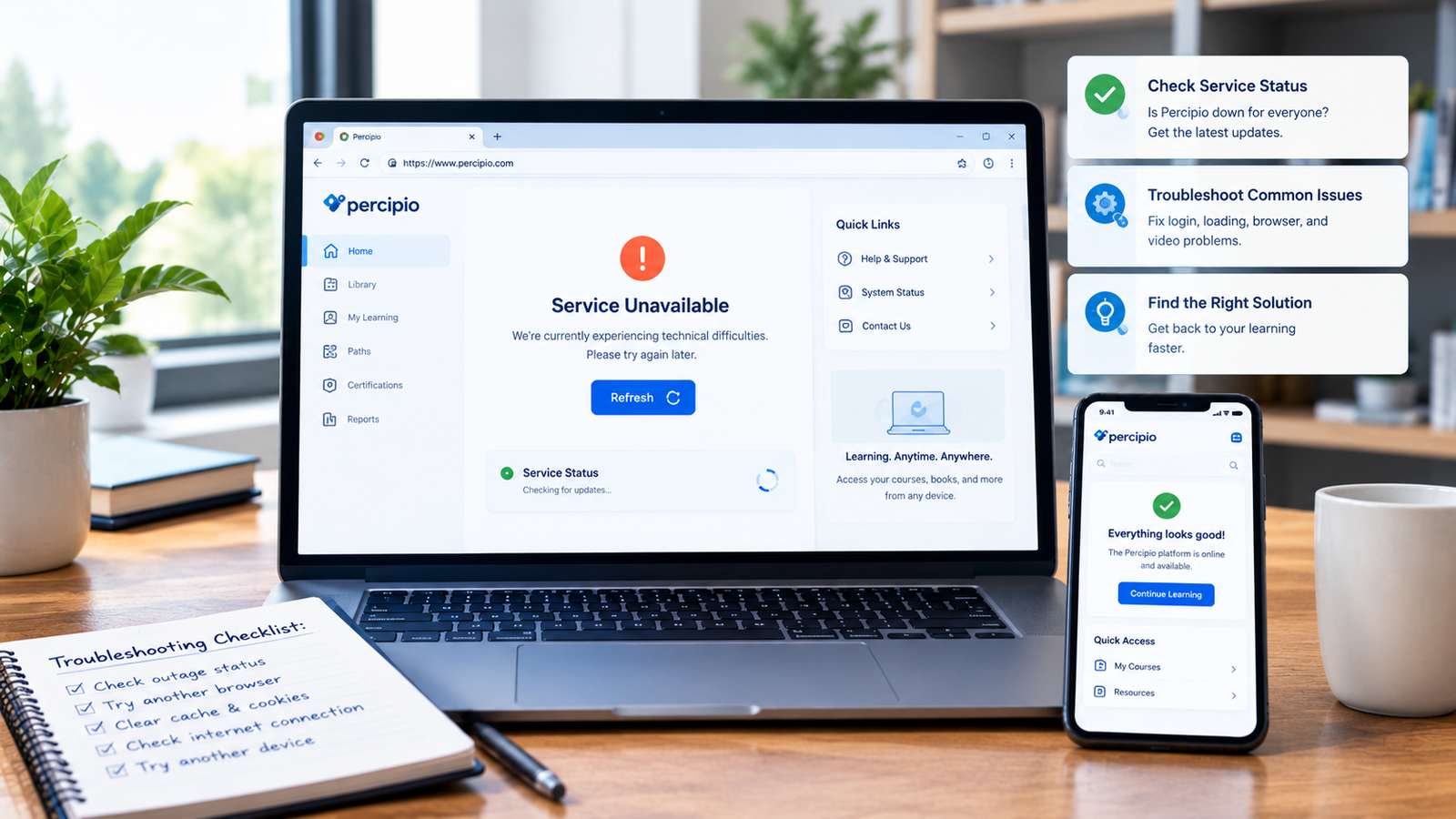
If Percipio is not working right now, the problem may be a platform outage but it could also be your login session, browser, internet connection, or organization’s access settings. The quickest way to find out is to test Percipio from another browser or device, check whether other websites work normally, and look for current service reports before changing anything on your account.
Percipio is Skillsoft’s online learning platform, used by organizations and institutions for courses, certifications, videos, books, and professional development.
So, is Percipio down for everyone? Not necessarily. If only your account is affected, you may be dealing with a local or account-specific problem.
How to Check If Percipio Is Down Right Now
Before spending 30 minutes clearing settings or reinstalling an app, take a few minutes to diagnose the problem.
1. Try opening Percipio again
Start with a normal refresh.
If the page loads after refreshing, the problem may have been temporary. If you see a blank screen, endless loading indicator, server error, or repeated login failure, continue with the next checks.
2. Open Percipio in a private window
Open an Incognito or Private Browsing window and try again.
This is a useful test because cached files, cookies, and browser extensions can interfere with web applications. Percipio guidance from the ACM specifically recommends clearing cookies or using an Incognito window when users encounter login errors.
3. Try another browser
If you normally use Chrome, test Edge, Firefox, or Safari.
The result tells you something important:
- Works in another browser: likely a browser-specific problem.
- Fails in every browser: an outage, network issue, or account problem becomes more likely.
- Works on your phone but not computer: focus on the computer or browser.
- Fails everywhere: investigate service status and your account access.
4. Test another internet connection
Try switching from Wi-Fi to mobile data, or use another trusted network.
If Percipio suddenly works, your original network may be causing the problem.
This is particularly useful for corporate or university users, where network filtering, VPNs, security software, or authentication systems can affect access.
Why Is Percipio Not Working Today?
There isn’t always one answer.
A service can appear “down” to one person while working perfectly for thousands of other users. That’s why diagnosing the specific symptom is more useful than immediately assuming there is a global Percipio outage.
Here are some common possibilities.
Percipio may actually be experiencing an outage
A genuine service problem can affect:
- Website access
- Login
- Course launching
- Video playback
- Search
- Learning activity
- Assessments
- Mobile access
If multiple users report the same problem at roughly the same time, an outage becomes more likely.
Don’t rely on a single third-party status checker, though. Compare multiple signals and, when possible, check information from Skillsoft or your organization’s IT team.
Your login session may have expired
Percipio access can be connected to organizational credentials or single sign-on.
Skillsoft’s documentation shows that organizations can configure corporate credentials and SAML-based login, meaning your Percipio login process may differ from someone else’s.
Try signing out and signing back in rather than repeatedly refreshing the same page.
Your browser may be causing the problem
A corrupted cache, outdated browser session, cookies, or an extension can prevent a web application from behaving normally.
That’s why testing in a private window is one of the fastest troubleshooting steps.
Percipio Login Not Working? Try These Fixes
If the website opens but you can’t log in, don’t immediately assume Percipio is down.
Try this sequence:
- Confirm you’re using the correct Percipio address for your organization.
- Check whether your organization requires an SSO or corporate login.
- Re-enter your username and password carefully.
- Sign out of other active sessions if applicable.
- Try a private browser window.
- Clear relevant cookies and cached data.
- Disable browser extensions temporarily.
- Try another supported browser.
- Contact your organization’s learning or IT administrator if the account is still rejected.
Some organizations provide a dedicated Percipio URL rather than sending learners to a generic login flow.
Why Is Percipio Stuck Loading?
An endless loading screen is one of the more frustrating problems because it can look like a server outage even when the service itself is available.
Try these fixes:
Refresh the page
A temporary connection failure can leave a page partially loaded.
Use a private window
This helps determine whether cookies or cached information are involved.
Disable extensions
Ad blockers, privacy extensions, script blockers, and other browser add-ons can sometimes interfere with web applications.
Try another network
If Percipio loads normally through mobile data but not your Wi-Fi, investigate the original network.
Try another device
If your laptop fails but your phone works, the problem is probably not a complete Percipio outage.
What If Percipio Videos Are Not Playing?
You may be able to access Percipio while individual courses or videos fail.
Start by checking whether other courses play correctly.
If only one video is affected, the problem may be specific to that piece of content. If every video fails, investigate your browser, connection, account, or the wider service.
The Percipio mobile app also supports learning content and offline access, so testing the mobile experience can provide another useful comparison.
Is Percipio Down for Everyone or Just Me?
Here’s a simple way to think about it:
| What You’re Seeing | Most Likely Area to Check |
|---|---|
| Website won’t open anywhere | Service status or network |
| Works for others but not you | Account, browser, or network |
| Works in another browser | Browser settings |
| Works on phone but not computer | Computer/browser |
| Website opens but login fails | Account or SSO |
| Login works but videos fail | Browser, connection, or content |
| Several coworkers have the same issue | Possible service or organization-wide issue |
This doesn’t prove the cause, but it gives you a much faster troubleshooting path.
Does Percipio Have Scheduled Maintenance?
Yes, maintenance can sometimes explain temporary unavailability.
For example, ACM’s current Percipio FAQ states that its users should expect a recurring maintenance window on Sunday from 1–3 p.m. ET, during which Skillsoft books and courses are unavailable.
However, maintenance schedules can vary by organization and implementation. If your employer or university provides its own IT status page, check that source as well.
What Should You Do During a Percipio Outage?
If you’ve confirmed that the issue isn’t limited to your device, there’s usually little value in repeatedly changing your browser settings.
Instead:
- Check for an official service announcement.
- Check your organization’s IT/status page.
- Ask coworkers whether they have the same issue.
- Note the exact error message.
- Record when the problem started.
- Try again after some time.
- Contact Skillsoft or your organization’s support team if the problem continues.
Some institutions explicitly direct learners to Skillsoft technical support for login or content problems.
Quick Percipio Troubleshooting Checklist
Before contacting support, run through this list:
- Refresh Percipio.
- Check your internet connection.
- Try Incognito or Private Browsing.
- Try another browser.
- Disable extensions temporarily.
- Clear relevant cookies/cache.
- Check your organization’s login method.
- Try another device.
- Try another network.
- Check for current outage or maintenance information.
- Ask a coworker or colleague if Percipio works for them.
- Save any error message before contacting support.
Final Answer: Is Percipio Down Right Now?
If Percipio isn’t working for you, don’t assume there’s a platform-wide outage immediately. First determine whether the problem follows you across browsers, devices, and networks.
A genuine outage is more likely when multiple users experience the same problem simultaneously. If everyone else can access Percipio while your account cannot, focus on login credentials, SSO, browser settings, network restrictions, or your organization’s configuration.
